
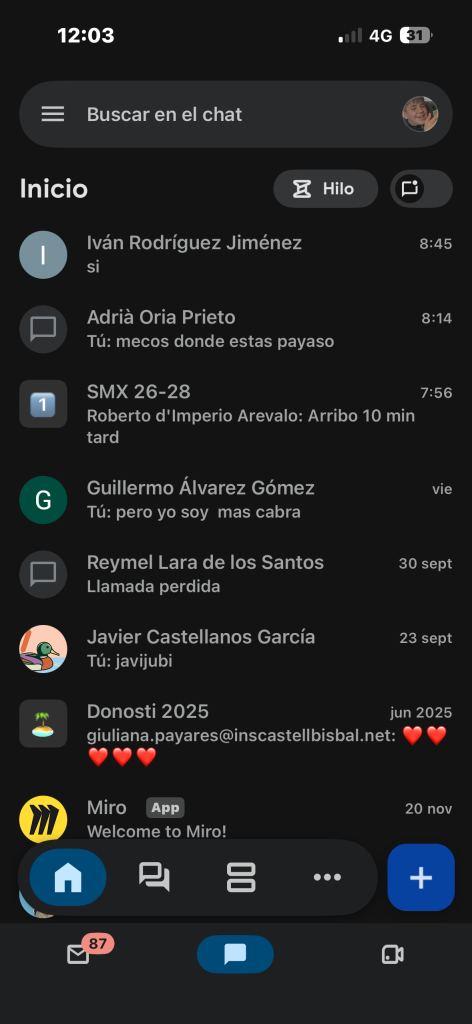
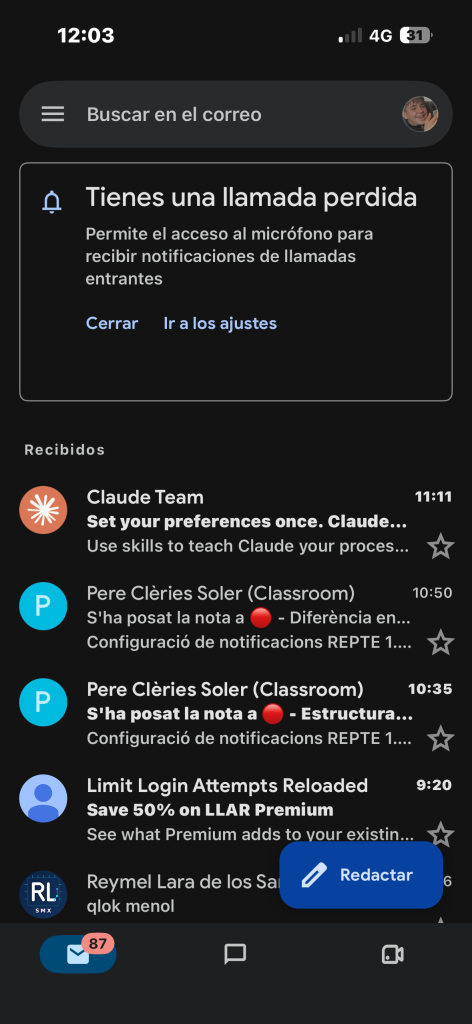
To synchronize the email and the xat to the mobile, the process varies depending on whether you use Android or iPhone. On Android devices, access the Settings application, enter the Accounts section and select the option to set a new account according to your provider, such as Google, Outlook or Microsoft Exchange. Once you have entered the email address and password, you must access the computer synchronization settings to ensure that the email option is enabled. In the case of an iPhone, the procedure is performed in the Settings section entering the Mail section and then Checking, confirming the service corresponding to both the access details and verifying that the Mail switch has been checked in truth.
task of moodle
listenings:



Leave a Reply